
Sequence diagrams
Render each test as a sequence diagram of the request, every mocked call and the response.
Report(apitest.SequenceDiagram()) turns a test into an HTML page: a sequence diagram of every interaction, next to the wire representation of each message.
apitest.New("gets a user").
	Report(apitest.SequenceDiagram()).
	Mocks(getUserMock, getPreferencesMock).
	Handler(newUserAPI()).
	Get("/user/1234").
	Expect(t).
	Status(http.StatusOK).
	End()
When the test finishes, apitest prints where it wrote the report:
Created sequence diagram (3490420317_3914572186.html): /home/jon/user/.sequence/3490420317_3914572186.html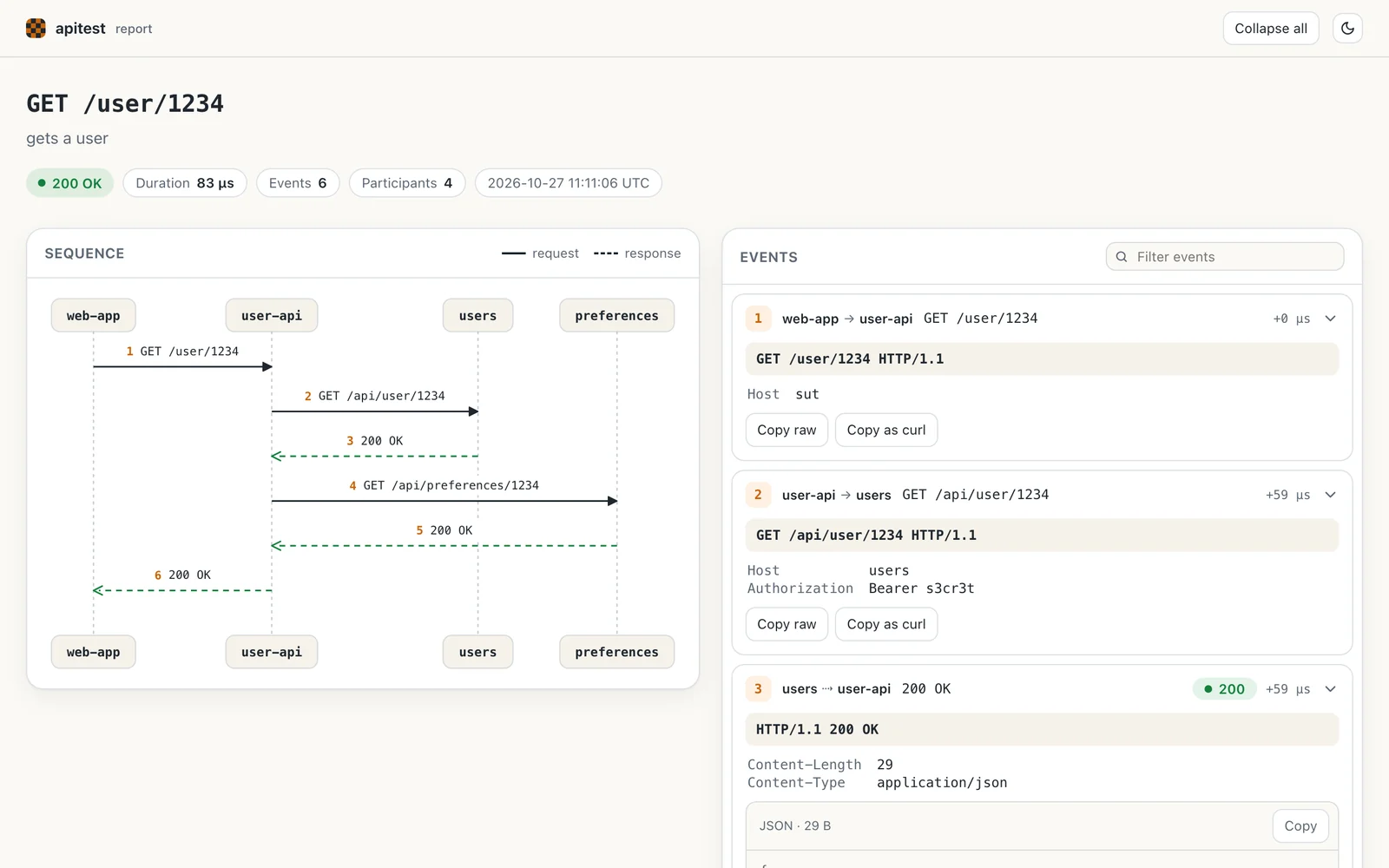
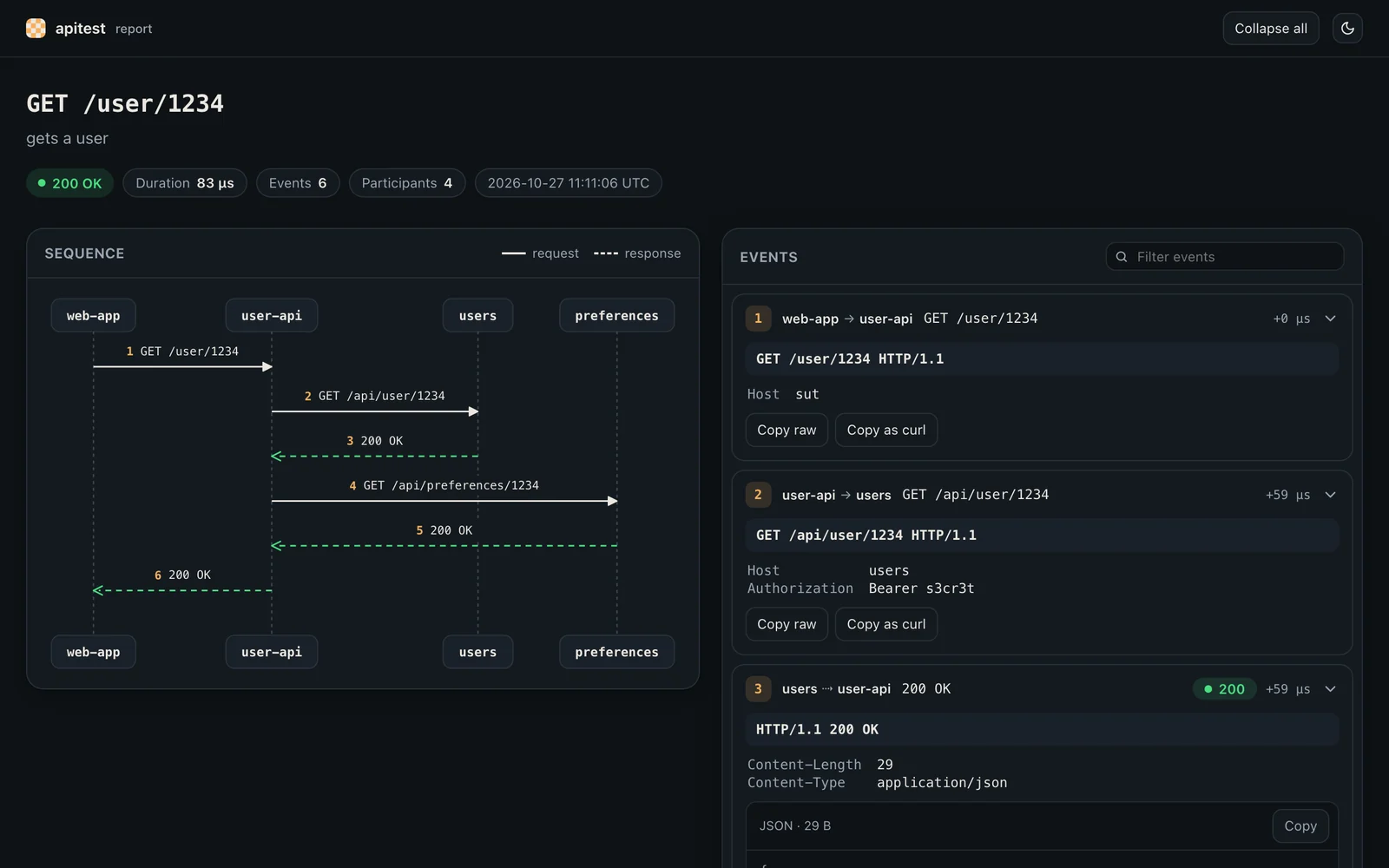
Reading a report
- The diagram has a column per participant and an arrow per message, numbered in order. Requests are solid and responses are dashed, coloured by status code.
- The events list each message with its start line, headers and body. JSON bodies are indented and highlighted, and long bodies can be expanded.
- Click an arrow to jump to its message, or a message to highlight its arrow. j and k move between messages.
- Click a participant to show only the messages it sent or received, or type in the filter to search every message.
- Copy any message as raw text, or a request as a
curlcommand, to replay it by hand. - Calls that matched no mock have no response, so the report marks them. See debugging a mismatch.
The report follows your system's light or dark setting, and has a toggle. It works on narrow screens, and printing it expands every message.
Self-contained
Each report is a single HTML file with its styles, scripts and diagram inline. It loads nothing from the network, so it can be opened offline or kept as a CI artifact. The diagram is drawn as SVG when the report is written, so it shows even where JavaScript is disabled.
New in v1.8.0
This report arrived in apitest v1.8.0. Earlier versions write a simpler page with the same diagram, which loads its scripts from public CDNs.
What is recorded
| Participant | Default name |
|---|---|
| The test, which sends the request | cli |
| The handler under test | sut |
| Each mocked dependency | The host of the request, such as users |
Each database, with x/db | The driver name, such as sqlite |
The page title is the method and URL of the request, and the subtitle is the name passed to apitest.New. Give every reported test a name, so the reports are easy to tell apart.
Naming participants and choosing a directory
Pass a directory to SequenceDiagram to change where reports are written, and set the consumerName and systemUnderTestName meta values to rename cli and sut:
apitest.New("gets a user").
	Report(apitest.SequenceDiagram(".sequence-diagrams")).
	Meta(map[string]any{
		"consumerName":        "web-app",
		"systemUnderTestName": "user-api",
	}).
	Mocks(getUserMock, getPreferencesMock).
	Handler(newUserAPI()).
	Get("/user/1234").
	Expect(t).
	Status(http.StatusOK).
	End()
Reporting every test
Configure reporting once in a helper, so every test in the package produces a report:
// newAPITest configures the reporting once for every test in the package.
func newAPITest(name string) *apitest.APITest {
	return apitest.New(name).
		Report(apitest.SequenceDiagram()).
		Meta(map[string]any{"systemUnderTestName": "user-api"}).
		Handler(newUserAPI())
}

func TestGetUser_Reported(t *testing.T) {
	newAPITest("gets a user").
		Mocks(getUserMock, getPreferencesMock).
		Get("/user/1234").
		Expect(t).
		Status(http.StatusOK).
		End()
}
Report files
- Files are named after a hash of the method, path and test name, so a test overwrites its own report on each run.
- The default directory is
.sequence, relative to the package. Add it to.gitignore. - Reports are self-contained, so a directory of them can be zipped, uploaded or served as it is.
Reports make useful build artifacts. Upload the .sequence directories from CI to give reviewers a picture of what each test does.
Beyond HTTP
- Add database queries to the diagram with the
x/dbpackage. - Add your own events, such as messages published to a queue, with custom events.
- Produce a different format, such as PlantUML or Markdown, with a custom formatter.